Written by: webcoreshop editorial team , SEO SPECIALIST
Reviewed by: webcoreshop editorial team
Last updated: 01/08/2026
WebCoreShop provides SEO, SEO eCommerce, and , focused on organic visibility, technical performance, and revenue-focused website growth.
This comparison evaluates WooCommerce SEO plugins using publicly documented features, WooCommerce compatibility, product SEO capabilities, structured data, metadata management, sitemap functionality, usability, performance considerations, support, and overall fit.
Choosing the best WooCommerce SEO plugins is only one part of improving your online store’s visibility. A successful strategy also includes technical optimization, content, site architecture, Core Web Vitals, and structured data. If you’re building a broader organic growth strategy, explore our SEO Services guide, then continue with our WooCommerce SEO: Rank Higher & Boost Sales in 2026 guide for WooCommerce-specific recommendations.
Need an SEO Specialist for Your WooCommerce Store?
Choosing the right plugin is only the first step. An SEO specialist can help you select, configure, and optimize your WooCommerce SEO setup based on your store, catalog, and growth goals.
Key Takeaways
Choosing the best WooCommerce SEO plugins is ultimately about fit, not simply choosing the plugin with the longest feature list.
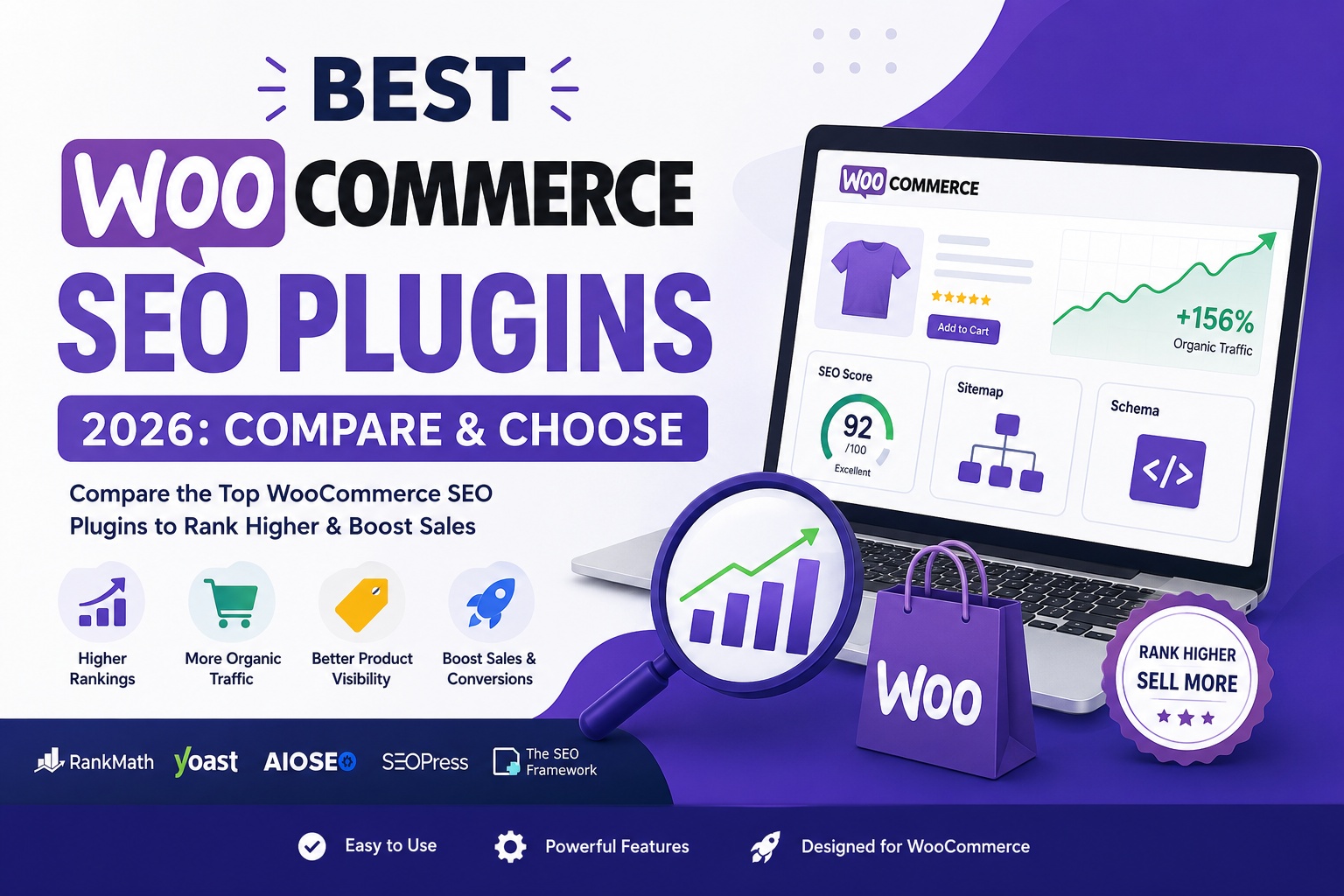
Rank Math is the strongest overall choice in this comparison, while Yoast SEO, AIOSEO, SEOPress, and The SEO Framework each have specific advantages depending on your workflow, experience, and store requirements.
Your SEO plugin is only one component of WooCommerce SEO. Technical optimization, site architecture, content, structured data, performance, and ongoing optimization also influence organic growth.
Need help choosing or configuring the right WooCommerce SEO setup?
Quick Comparison: Best WooCommerce SEO Plugins
| Plugin | Best for | Free version |
|---|---|---|
| Rank Math SEO | Best overall | Yes |
| Yoast SEO | Beginners and established workflows | Yes |
| AIOSEO | Beginners | Yes |
| SEOPress | Developers and agencies | Yes |
| The SEO Framework | Speed and minimal overhead | Yes |
How We Evaluated the Best WooCommerce SEO Plugins
This comparison evaluates WooCommerce SEO plugins based on the features and capabilities relevant to store owners, including WooCommerce compatibility, product schema support, metadata management, XML sitemaps, ease of setup, performance considerations, automation features, documentation and support, and overall value.
Editorial methodology: WebCoreShop compares the plugins according to their publicly documented features and their relevance to common WooCommerce SEO requirements. Where a feature depends on a premium plan, extension, or specific configuration, the article identifies that distinction rather than treating it as universally available.
Important: This article does not claim independent benchmark results, client revenue increases, or hands-on testing unless those results are documented by WebCoreShop and can be verified.
1. Rank Math SEO — Best Overall WooCommerce SEO Plugin
Rank Math has become one of the most popular SEO plugins for WooCommerce because it combines a wide range of optimization tools into a single interface. Even the free version includes features that many competing plugins reserve for paid plans.
Key Features
- WooCommerce SEO module
- Product schema support
- Rich snippet configuration
- XML sitemap generation
- Redirect manager
- 404 monitoring
- Breadcrumb customization
- Local SEO support
- Integration with Google Search Console (selected plans)
Pros
✔ Excellent feature set in the free version
✔ Beginner-friendly setup wizard
✔ Built-in schema customization
✔ Modular design allows unused features to remain disabled
Cons
- Some advanced features require the Pro version.
- Large feature set may feel overwhelming for first-time users.
Pricing
- Free version available
- Premium plans available for additional features
Verdict
If you’re looking for the best WooCommerce SEO plugin for most stores, Rank Math is one of the strongest all-around choices thanks to its balance of features, flexibility, and value.
If you choose Rank Math, our Rank Math WooCommerce Setup Guide walks through the configuration process step by step.
2. Yoast SEO — Best for Beginners and Established Workflows
Best for: Store owners who want a familiar interface and long-established SEO guidance.
Yoast SEO has been a trusted name in WordPress SEO for years. Its WooCommerce functionality expands when paired with the premium WooCommerce SEO extension, making it a solid option for businesses already invested in the Yoast ecosystem.
Key Features
- SEO analysis
- Readability analysis
- XML sitemaps
- Breadcrumb support
- Canonical URL management
- WooCommerce SEO extension (Premium)
Pros
✔ Easy to understand
✔ Strong documentation
✔ Large user community
✔ Reliable updates
Cons
- Some WooCommerce features require paid extensions.
- Advanced schema customization is more limited than some competitors.
Pricing
- Free version available
- WooCommerce functionality expands with premium add-ons
Verdict
Yoast remains an excellent option for beginners and agencies that value stability, documentation, and a familiar workflow.
If Yoast is your preferred workflow, see our Yoast SEO for WooCommerce guide for a more detailed implementation approach.

Choosing a WooCommerce SEO Plugin for EU Markets
If your WooCommerce store targets customers across the EU, plugin selection should support more than basic product SEO. Consider how the plugin works alongside your multilingual or multiregional setup, localized metadata, structured data, canonical URLs, and hreflang implementation.
For stores serving multiple European countries, the SEO plugin should fit cleanly into the wider technical setup rather than creating duplicate or conflicting metadata across language or regional versions.
Need an SEO Specialist for Your European WooCommerce Store?
WebCoreShop can help you select and configure a WooCommerce SEO setup around your target EU markets, languages, store structure, and organic growth goals.
5-Minute Store Size Calculator (Pick the Right Plugin)
| Catalog Size | Daily Orders | Suggested fit |
|---|---|---|
| 1–100 | 0–10 | SEO Framework FREE |
| 100–1,000 | 10–100 | AIOSEO Pro |
| 1,000–10,000 | 100–500 | Rank Math Pro |
| 10,000+ | 500+ | Rank Math + Schema Pro |
Point WooCommerce SEO Checklist (PDF Inside)
Grab the printable checklist + Google Sheet tracker:
✅ Product schema validation
✅ Category page indexation rules
✅ GTIN & MPN fields for Google Shopping
✅ Out-of-stock redirect map
Performance Blueprint: Load in <1 Second With SEO Plugin Active
- Disable unused modules (Analytics, Link Counter)
- WebP images – use Converter for Media (free)
- Split sitemaps – max 1,000 URLs each (Rank Math auto-splits)
- Cache: LiteSpeed Cache + Redis object cache
- CDN: Cloudflare APO (adds 0.03 s only)
FAQs
What is the best SEO tool for WooCommerce?
What are the best WooCommerce plugins?
If your goal is specifically WooCommerce SEO, the main options evaluated in this guide are Rank Math, Yoast SEO, AIOSEO, SEOPress, and The SEO Framework. Each serves a different type of store and workflow, so the right choice depends on the features and level of control you need.
Note :
What we did not test: Unless explicitly stated, performance, rankings, traffic, CTR, revenue, and conversion claims are not presented as independent WebCoreShop benchmarks.