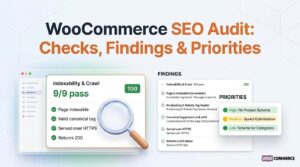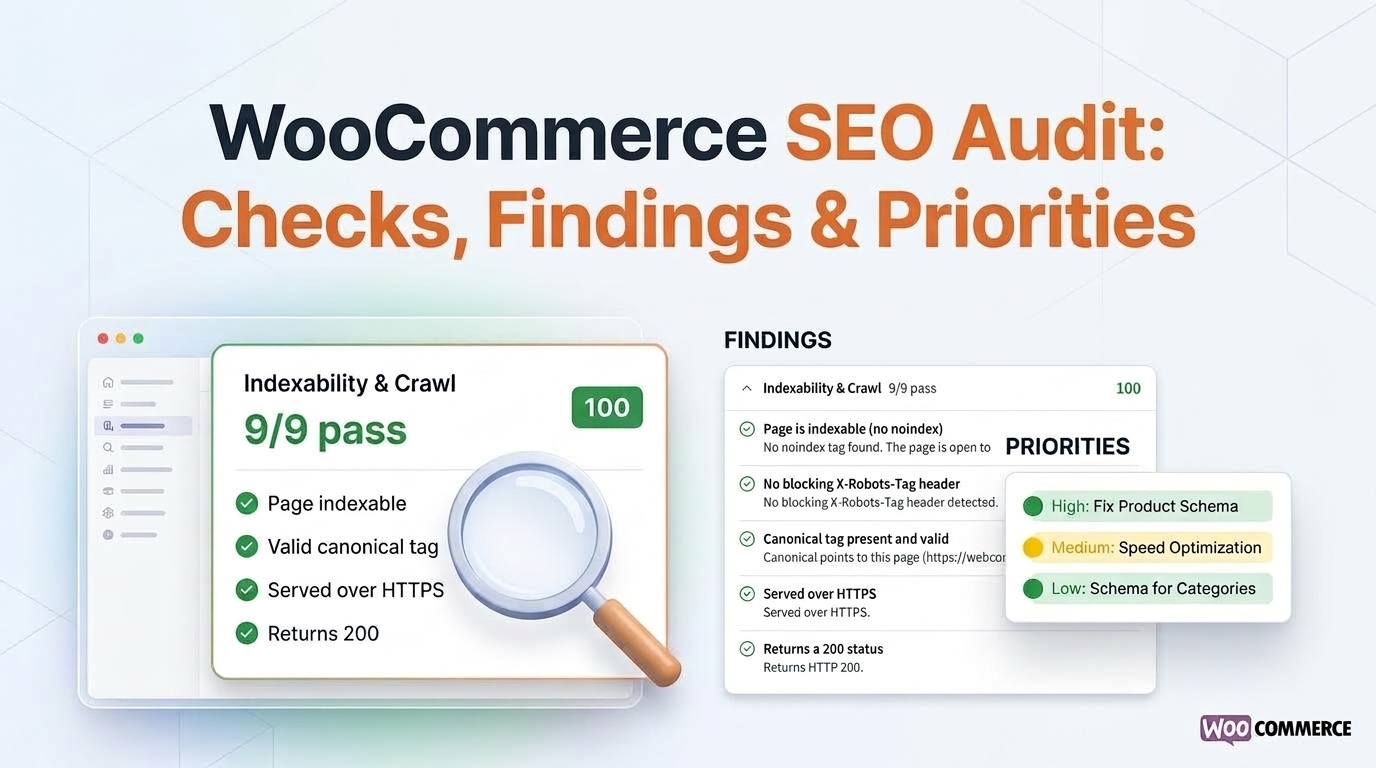
A WooCommerce SEO audit reviews how product, category and important store pages can be crawled, indexed, understood and reached through internal links. It combines automated checks with human verification of technical evidence, page templates and search data. The result should be a prioritized action plan, not a ranking promise.
Takeaway: A useful WooCommerce SEO audit connects each finding to affected URLs, evidence, priority and a practical next action.
When implementation is needed, explore WooCommerce SEO Services or WooCommerce SEO services for small online stores if you run a lean catalog.
WooCommerce Technical SEO Audit
A WooCommerce technical SEO audit examines whether search engines can discover, crawl, interpret and access the store pages that matter.
What the review should include
Homepage
Product templates
Category pages
Internal search or filter URLs
Pagination paths
XML sitemaps
Robots directives
Canonical signals
Important internal links
What the audit should not do
The WooCommerce technical SEO audit should not treat every warning from a plugin or crawler as a confirmed problem. A finding becomes more useful when it:
Identifies the affected URL pattern.
Explains the observed signal.
Records the source of the evidence.
States the likely business relevance.
For example, a duplicated title is different from a product page that is blocked from crawling, and both require different next steps.
Additional technical checks
Depending on the agreed scope, a WooCommerce technical SEO audit may also inspect:
Product structured data
Price and availability information
Breadcrumb data
Page rendering
Performance signals
Google explains that structured data helps it understand page content, but it does not guarantee a special search appearance. See Google’s Product structured-data documentation and Google’s guidance on canonical URLs.
Final output
The final output of a WooCommerce technical SEO audit should separate:
Confirmed issues.
Items requiring access or testing.
Recommendations outside the agreed audit scope.
This makes the WooCommerce SEO audit actionable without presenting assumptions as technical facts.
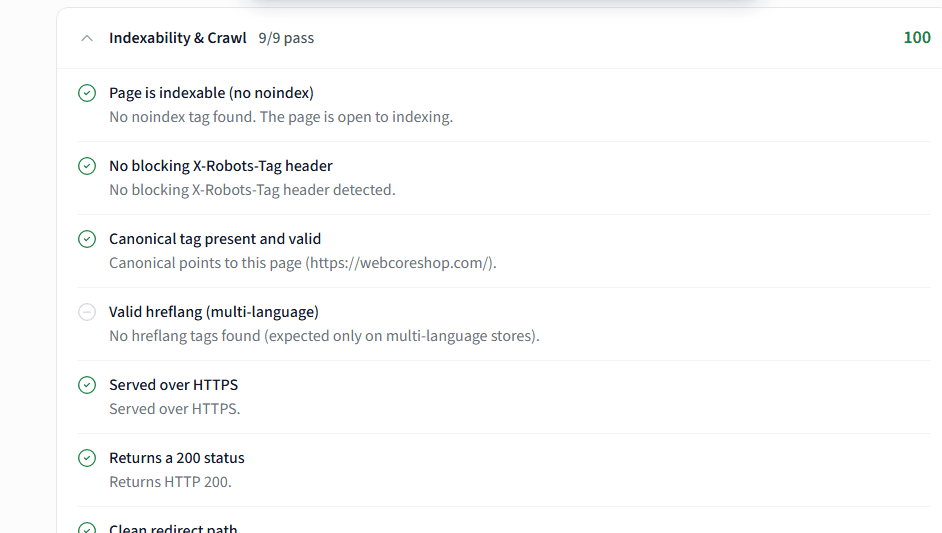
WooCommerce SEO Audit Checklist
A WooCommerce SEO audit checklist should connect each check to a page type, evidence source, priority and next action. A long list of warnings is less useful than a short set of verified findings that explains what is affected and why it matters.
Audit checklist table
| Audit area | What to inspect | Evidence to record |
|---|---|---|
| Crawlability | Robots directives, XML sitemaps, crawl paths and blocked resources | URL, response, directive and checked date |
| Indexability | Product, category, tag, filter and pagination URLs | Search Console data, inspection result or crawl evidence |
| Canonicals | Canonical targets and repeated or conflicting signals | Affected URL, declared canonical and observed alternatives |
| Product pages | Titles, descriptions, image information, links and structured data | Representative URLs and template pattern |
| Category pages | Hierarchy, unique content, pagination and internal links | Category sample, depth and link path |
| Structured data | Product, price, availability, breadcrumb and organization signals | Rendered markup, validation result and limitations |
| Performance | Core Web Vitals and template-level loading issues where measured | Tool, device, date and affected template |
| Internal linking | Important products and categories that are difficult to reach | Source page, destination and click path |
| Redirects and errors | Broken links, redirect chains and retired product URLs | URL set, status code and recommended treatment |
How to adapt the checklist
The WooCommerce SEO audit checklist should be adapted to the store rather than applied mechanically.
A small catalog may need a representative template review.
A large catalog may require pattern analysis and URL sampling.
Product availability, filter behavior, plugin output and theme rendering can also change the evidence, so the WooCommerce SEO audit should document the access level and limitations.
Final checklist categories
The final WooCommerce SEO audit checklist should distinguish:
Confirmed finding.
Requires additional access or testing.
Recommended improvement.
Outside the agreed audit scope.
Audit vs. optimization
An audit is not the same as WooCommerce SEO optimization. The WooCommerce SEO audit identifies what may be limiting visibility and which evidence supports each finding; WooCommerce SEO optimization is the implementation work that changes templates, links, metadata, structured data, performance or URL handling.
This distinction matters because not every recommendation should be applied immediately. A proposed change may affect:
Product templates
Category architecture
Filters
Plugin output
Redirects across many URLs
The implementation decision should consider the affected page pattern, expected effort, operational risk and the evidence available.
Prioritized actions
A useful WooCommerce SEO audit therefore ends with prioritized actions rather than a large collection of generic suggestions. High-priority findings should explain:
The affected URLs.
The observed problem.
The recommended action.
The validation step after implementation.
When the findings require continuing technical work, the next step is a scoped engagement through WooCommerce SEO Services. The service page owns implementation; this WooCommerce SEO audit page remains responsible for diagnosis, evidence and prioritization.
Free WooCommerce SEO Audit
A free WooCommerce SEO audit can be useful as an initial health check, especially when it identifies obvious issues such as:
Missing metadata
Inaccessible sitemaps
Basic canonical signals
Selected structured-data problems
It should be treated as a screening tool rather than a complete diagnosis.
Limitations of free scans
A free WooCommerce SEO audit commonly has limited access to:
Search Console data
Analytics
Server behavior
Database conditions
Template variations
Business context behind product or category decisions
They may also report warnings without showing whether the issue affects important URLs or whether a change is safe to implement.
Before relying on a free result, check
Before trusting a free WooCommerce SEO audit, check:
Which URLs and templates were inspected.
Whether the scan rendered the page or read only source HTML.
Which tool, date and device produced the result.
Whether each warning includes evidence and a recommended validation step.
Whether the output separates confirmed findings from general advice.
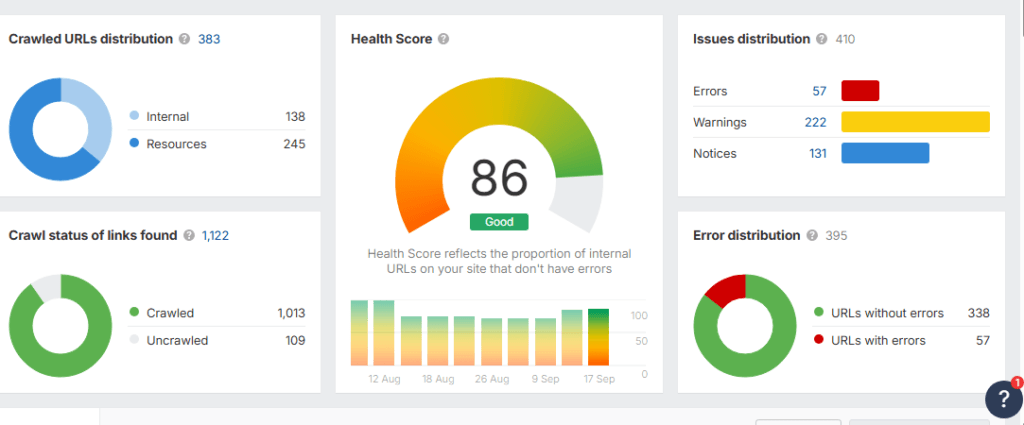
Automated scores cannot replace manual verification. When a catalog requires deep technical review, request an Audit Scope & Spec to assess your store’s crawl architecture. When a store needs evidence review, prioritization and a defined implementation path, request an Audit Scope & Spec rather than treating an automated score as the final answer.
Request an Audit Scope & Spec if you need the WooCommerce SEO audit checklist applied to your store and converted into a prioritized scope.
Can AI or ChatGPT perform a WooCommerce SEO audit?
No. A WooCommerce SEO audit requires live crawl testing, server-level diagnostics and template-level verification. LLMs cannot emulate Googlebot crawling faceted filters, test live session parameters, or inspect underlying MySQL/MariaDB wp_postmeta query performance. AI can assist with drafting or pattern recognition, but it cannot replace a WooCommerce technical SEO audit.
What are the 7 steps in a WooCommerce technical SEO audit process?
A WooCommerce technical SEO audit follows 7 steps:
Crawl and indexation review.
Faceted taxonomy inspection.
Variable product schema validation.
Category authority assessment.
Theme asset and rendering review.
Database health check.
Prioritized developer backlog.
Each step in a WooCommerce SEO audit connects to a page type, evidence source and next action.
Why do standard automated SEO audit tools fail on WooCommerce SEO audit checks?
Tools like Semrush and Ahrefs generate false positives on dynamic filters and cannot parse custom WooCommerce hooks or template-level canonical errors. A WooCommerce SEO audit requires human verification of canonical loops on attribute filters, faceted navigation crawl bloat and indexation budget waste. Automated tools may flag URLs that are intentionally noindexed or miss variable product schema markup errors.
Is a free WooCommerce SEO audit enough for a scaling catalog?
No. A free WooCommerce SEO audit may catch surface-level issues, but a scaling catalog requires pattern analysis, crawl budget assessment, wp_postmeta database query bottlenecks review and template-level verification. Free tools rarely access the server, database or Search Console data needed for a complete WooCommerce technical SEO audit.